Unstable SMP FFA Feather Hub Script
Kill Aura, Auto Mace, ESP, movement helpers, and a keyed menu for Unstable SMP FFA.
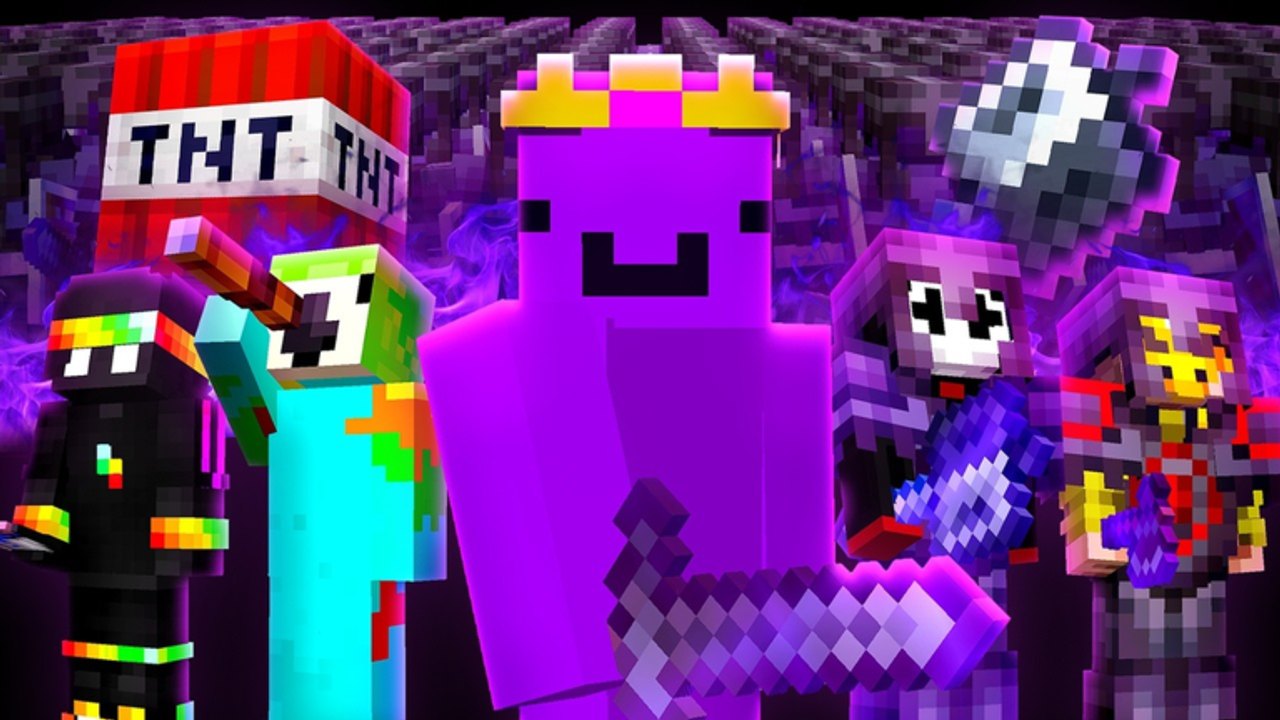
Feather Hub is a full-featured Unstable SMP FFA script built around combat automation, movement helpers, and render tools. Players look it up when they want Kill Aura, Auto Mace, ESP, and a single menu that also covers sprinting, flight helpers, and inventory convenience. This page documents the loadstring, key flow, menu binds, and how the modules map onto Java 1.21.11-style fights in Insomnia Studios’ arena modes.
Safety disclaimer
Scripts can violate the Roblox Terms of Service. Running Feather Hub may result in kicks, bans, or permanent account action. Prefer an alternate account. Never share passwords, cookies, or backup codes with any key website, Discord bot, or “whitelist” form. This wiki is unofficial and is not affiliated with Insomnia Studios, Roblox, Mojang, Microsoft, or Minecraft. You alone accept the risk of executing third-party code.
Loadstring
Paste this into your executor after Unstable SMP FFA has finished loading:
loadstring(game:HttpGet("https://api.aegisloader.com/loader/BqjOaFyqTY"))()If the HTTP request fails, wait for a stable connection, confirm you are in the correct Place, and avoid editing the URL. Do not download random “cracked” executors that claim to skip the key.
Key system and opening the menu
Feather Hub uses a key system. After the loadstring runs, follow the on-screen key prompt from the hub UI. Complete verification only on the official flow the script opens—never paste your Roblox password into a key site.
Once unlocked:
- PC: open or close the menu with Right Shift.
- Mobile: tap the floating icon the hub injects on screen.
Keep the menu closed during character select if the UI overlaps buttons. Re-open it after you spawn into Free For All, Duels, Practice, or Simulator.
Combat features
Feather Hub’s combat block is what most players enable first:
- Kill Aura — automatically swings or triggers attacks against nearby opponents within a configurable radius.
- Trigger bot / auto clicker / aim helpers — reduce the need to time every click manually (still respect Java-style cooldown feel when modules sync to charge).
- Auto Mace — assists mace smash timing, including aerial approaches that matter on elytra kits like Wemmbu.
- Elytra smash and auto wind charge — pair flight with burst tools common in Unstable SMP FFA kits.
- Instant pullout, auto weapon, and shield break — swap pressure tools faster during trades.
- Criticals, velocity, keep sprint, knockback helpers — push trade outcomes when you already understand spacing.
- Auto bow / projectile aim, easy pearl, auto rod — support chase and disengage patterns.
- Auto shield, auto dodge, auto pearl — defensive automation for kits that carry those tools.
Because Unstable SMP FFA mirrors Minecraft Java 1.21.11 combat, blind Kill Aura without wall awareness can swing into blocks or waste charge. Start with conservative radius values in Practice Dummy or Duels before enabling rage settings in a twelve-player Free For All.
Movement and player utilities
Beyond aura, Feather Hub lists a large movement suite: sprint and speed helpers, no-slow / no-web options, step and spider-style climbs, high jump / long jump / air jump, fly and elytra fly / recast, trident boost, target strafe, jump reset, timer, and blink-style reposition tools. Use these carefully—obvious flight on a grounded kit advertises that you are scripting.
Player and inventory helpers typically include auto buffs, smart eat, offhand management, auto armor, replenish, inventory cleaner, elytra swap, no fall, reach adjustments, fast use, auto respawn, auto queue, and anti-AFK. Anti-AFK is useful during long Simulator waits, but it does not make unfair automation “safe” under Roblox rules.
Render / ESP
ESP and related render modules outline players through walls, show distance or health, and make third parties easier to spot on busy arenas. That information advantage is exactly why scripts are banned under ToS—expect other players and moderators to treat ESP users as cheaters. If you only wanted cleaner visuals, turn off Damage Tilt and FOV Effects instead via the settings checklist.
How Feather Hub fits the game modes
Unstable SMP FFA rotates Northern Council, MinuteTech’s End Base, and FlameFrags & Wemmbu’s 2v1000 about every fifteen minutes. Auto Mace and elytra helpers matter more on maps with vertical space; Kill Aura radius should shrink in tight corridors so you do not pull every fighter at once. In Simulator, NPC armies heal and fight back—aura can clear packs, but learning kit hotbars still matters when you switch to real FFA.
Pair this page with legitimate prep:
- Pick a forgiving kit from beginner kits (FlameFrags, Swight, ParrotX2).
- Learn spear-beats-mace and shield-beats-spear on the FFA meta page.
- Clean camera settings on the settings checklist.
- Only then decide whether an alternate account will run Feather Hub.
Comparison with other hubs
| Hub | Key | Strength |
|---|---|---|
| Feather Hub | Yes | Broad combat + movement + render |
| Zynex Hub | No | KillAura, reach, Auto Crit, wall check |
| WHITELOTUS | Key inside script | Silent Aim, Auto Fight, mobile toggles |
Return to the Scripts Hub for the brief Shaman Rage mention and shared safety rules. Cross-check Getting Started if you are still learning controls before touching executors.
Practical execution checklist
- Use an alt account you can afford to lose.
- Join the live Roblox experience and finish loading.
- Attach your executor and paste the Feather Hub loadstring above.
- Complete the key prompt without sharing account credentials.
- Press Right Shift (or tap the mobile icon) to open the menu.
- Enable one module at a time; test in Practice Dummy or Duels.
- Disable everything and close the executor if the game updates mid-session.
Executor reports change weekly. If Feather Hub fails on a specific client, wait for an update instead of pasting mirror loadstrings from strangers in chat. When in doubt, close the script and play fair—kit skill transfers to every patch; bans do not.
Frequently Asked Questions
Quick answers for Unstable SMP FFA players.
How do I open the Feather Hub menu?
On PC press Right Shift after the script loads and the key is unlocked. On mobile tap the floating icon. Close the menu if it blocks character select, then reopen after you spawn.
Does Feather Hub need a key?
Yes. Feather Hub uses a key system. Follow only the prompt the script opens, and never type your Roblox password into a key page.
What are the main Feather Hub features?
Combat tools such as Kill Aura and Auto Mace, movement helpers, inventory automation, and ESP/render options. Start with low radius settings and test in Practice or Duels before Free For All.
Is Feather Hub safer than other scripts?
No script is safe under Roblox ToS. Feather Hub can still risk bans. Prefer alternate accounts and consider learning kits through the tier list and settings pages instead.