Unstable SMP FFA Tools & Checklists
Settings, binds, and prep utilities that make Unstable SMP FFA easier to read and play.
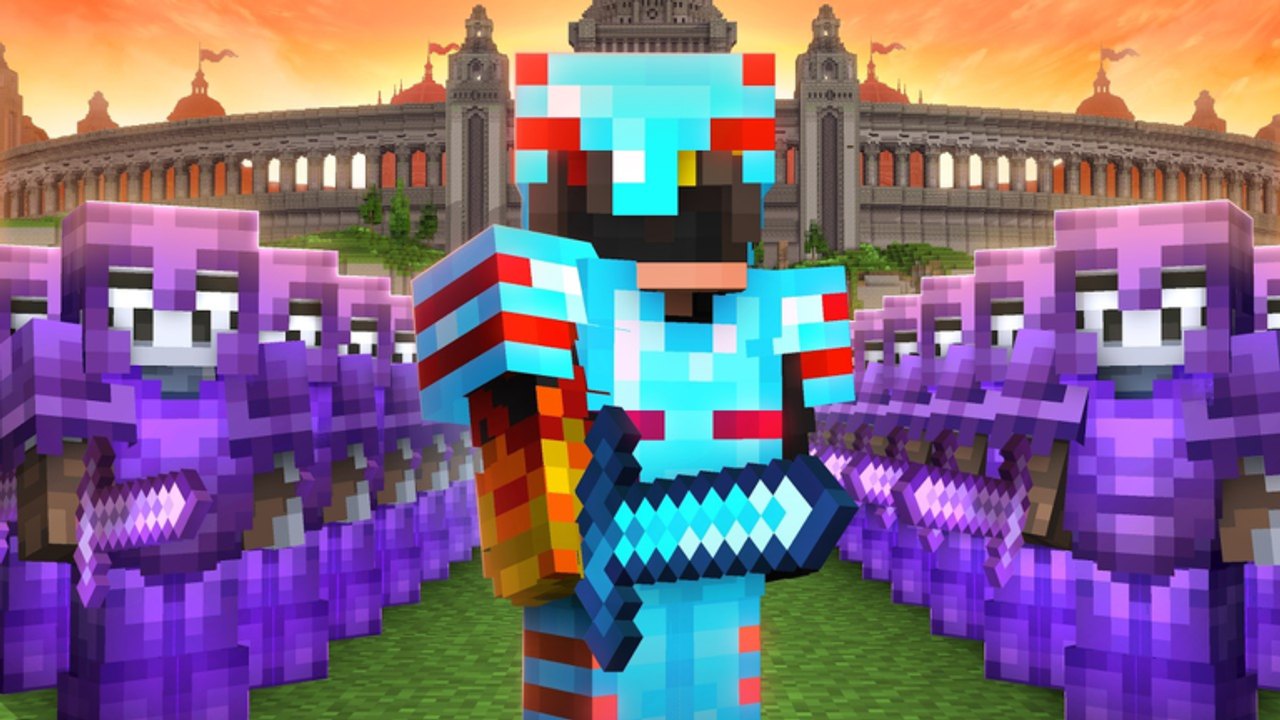
The Tools Hub collects practical Unstable SMP FFA utilities that are not full story guides and not kit tier charts. Start here when fights feel unreadable, when your camera fights you during mace jumps, or when you cannot remember which key opens Help. Clean settings win more early Duels than random kit hopping.
Featured tool pages
Settings Checklist
A step-by-step pass covering Damage Tilt off, FOV Effects off, camera sensitivity tuning, the H Help menu, cursor unlock with Right Shift, hint toggling with T, hotbar habits, and mode-specific prep for Practice Dummy, Duels, Free For All, and Simulator. Read it before blaming your kit.
Why tools matter in a Java-style Roblox arena
Unstable SMP FFA recreates Minecraft Java 1.21.11 combat feelings—spears, maces, elytra, wind charges, pearls, tridents, TNT carts—inside Roblox servers run by [IS] Insomnia Studios. Screen shake, FOV punches, and overly high sensitivity hide the very tells you need: a jumper loading a mace smash, a spear wind-up, a cart roll. The tools on this hub remove those self-inflicted disadvantages without touching Roblox Terms of Service the way executor scripts do.
If you were about to install Kill Aura because “I can’t track anyone,” stop. Finish the settings checklist, then drill on FlameFrags via the beginner kits page. Scripts documented on the Scripts Hub carry ban risk; settings tweaks do not.
Quick prep stack
- Run the settings checklist on PC, then re-check sensitivity on mobile if you swap devices.
- Pick a beginner S kit from beginner kits.
- Confirm matchup basics on FFA meta even if you are not playing those kits yet.
- Follow mode order in Getting Started: Dummy → Duels → FFA.
- Only after that, browse codes for gifts or scripts for research with eyes open about ToS.
Platform notes
Unstable SMP FFA supports PC, phone, and controller with rebindable controls. Tools pages assume default binds unless noted:
| Default | Action |
|---|---|
| Left mouse | Attack / destroy |
| Right mouse | Use item / place |
| Right Shift | Release mouse cursor |
| H | Open or close Controls help |
| T | Hide on-screen hint |
| E | Inventory |
| 1–9 | Hotbar slots |
| F | Offhand swap (if unbound elsewhere) |
Rebinds are fine—just update your personal checklist so Help (H) still matches what you expect mid-fight.
Arenas and timers are tools too
Treat the bottom-right arena timer as part of your toolkit. Maps rotate about every fifteen minutes among Northern Council, MinuteTech’s End Base, and FlameFrags & Wemmbu’s 2v1000. Knowing a reset is coming changes whether you commit pearls or hold ground. Pair map awareness with the settings checklist so you can actually see the timer and the fighter closing from your left.
What does not belong here
- Full lore dumps — keep those in guides.
- Exhaustive kit stats — see tier-list child pages.
- Loadstrings — see scripts with safety disclaimers.
- Legal policies —
/terms/,/privacy/,/cookies/.
This hub stays short on purpose: every link should change something you click in a menu or glance at during a match.
Expanding the tools category later
When the wiki grows, natural follow-ups under Tools include sensitivity presets by DPI, mobile HUD layouts, controller curve notes, and a printable pre-tournament checklist. For now the highest leverage page is the settings checklist—most players skip it and then swear maces are “broken.”
Related links
Open the checklist, turn off Damage Tilt, and load Practice Dummy for five minutes. That single loop beats downloading another hub you do not understand.
Frequently Asked Questions
Quick answers for Unstable SMP FFA players.
What should I change first in Unstable SMP FFA settings?
Turn Damage Tilt and FOV Effects off, then tune camera sensitivity on the Practice Dummy. Full steps live on the Settings Checklist page.
Where is the Help menu?
Press H on PC to open or close Controls help. Right Shift releases the mouse cursor if you need to click UI. Details are on the Settings Checklist.
Do these tools include scripts?
No. Tools covers legitimate settings and prep utilities. Executor scripts live under the Scripts Hub and carry Roblox ToS risk.
Will settings changes affect mobile?
Video effect toggles help every platform. Sensitivity feels different on touch versus mouse, so re-test on the Practice Dummy whenever you switch devices.